CuePrompter Alternative for Mac: Browser vs Native App
Reviewed June 21, 2026 · By Siddharth Radhakrishnan, CueNotch co-founder
CuePrompter and CueNotch both help you read without memorizing a script, but they solve different jobs. CuePrompter is a free browser autocue. CueNotch is a native Mac teleprompter designed for calls and recordings beside the webcam.
Short answer
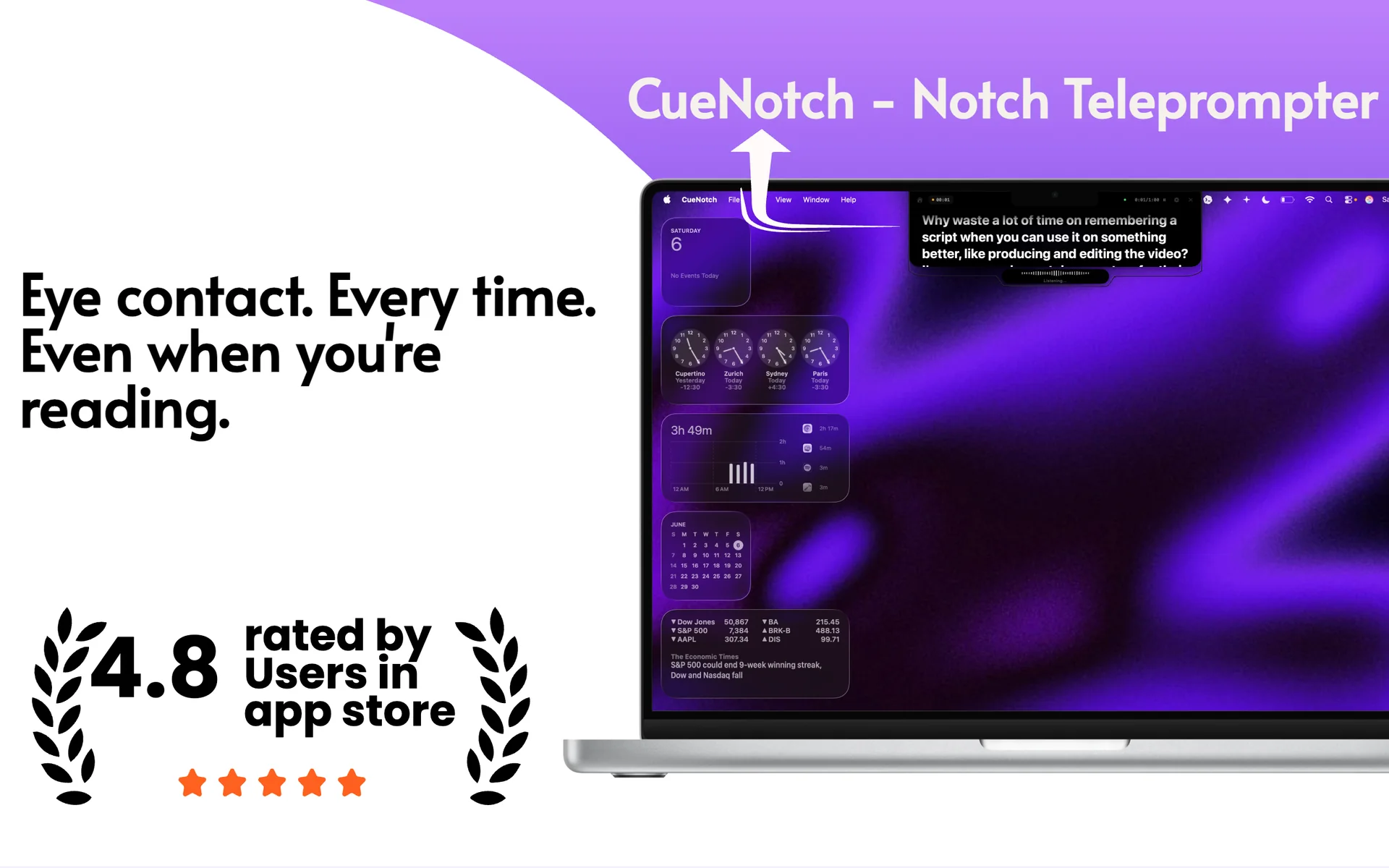
Choose CuePrompter for a quick, free, full-screen browser prompter. Choose CueNotch when you need camera-level text, voice-synced scrolling, and a private overlay during Mac screen sharing.
Feature comparison
| What matters | CuePrompter | CueNotch |
|---|---|---|
| Platform | Any modern browser | Native macOS app |
| Best placement | Full-screen or separate device | Beside the Mac camera or floating |
| Scrolling | Adjustable fixed speed | Voice-synced and manual controls |
| Screen sharing | Browser window can be captured | Ghost Mode excludes the overlay from capture |
| Cost | Free | $0 tier; $7.99/week or $29.99 lifetime Pro in the U.S. App Store |
Competitor details were checked against CuePrompter's official website. Product features can change, so verify details before purchasing.
Where CuePrompter is stronger
- It opens instantly in a browser with no installation.
- It is free for commercial and non-commercial use.
- Mirror mode works with physical teleprompter glass.
Where CueNotch is different
- Text sits close to the Mac webcam for more natural eye contact.
- Voice sync follows your pace instead of requiring a fixed scroll speed.
- Ghost Mode keeps notes out of Zoom, Meet, Teams, Loom, OBS, and recordings.
Which should you choose?
CuePrompter is excellent when you need a traditional autocue immediately or use teleprompter glass. CueNotch is the better fit for MacBook calls, demos, interviews, and desktop recordings where camera placement and capture privacy matter.
Frequently asked questions
- When is CuePrompter the better choice than a native Mac app?
- When you want a free browser autocue right now, or you already use teleprompter glass and need a mirrored full-screen scroll. It does not sit beside the Mac camera or exclude itself from capture.
- Can CuePrompter stay hidden during a Zoom screen share?
- No. It is a browser window, so Zoom can capture it. CueNotch Ghost Mode excludes the overlay from macOS capture. Ghost Mode is Pro.
Compare with your own script
CueNotch is free to try on macOS 14 or later. Test camera placement, voice sync, and screen sharing before deciding.
Try CueNotch on the Mac App Store