Not going back to any other teleprompter app
I tried lots of different teleprompter apps until I discovered this one. It is by far the most polished and feature rich one out there.
Mac App StoreSwitzerland

CueNotch is a private teleprompter app for Mac that keeps your script beside the camera, follows your voice, and stays hidden during screen sharing.
★★★★★By far the most polished and feature rich one out there.
Trusted by more than 1,000 professionals.
Native macOS app macOS 14+
CueNotch is a private teleprompter app for Mac that keeps your script beside the camera, follows your voice, and stays hidden during screen sharing.
Watch the 40-second demo★★★★★By far the most polished and feature rich one out there.
Trusted by more than 1,000 professionals.
Keep your script beside the camera while CueNotch stays out of screen shares and recordings. You keep your notes. They see a clean call.
How Ghost Mode hides a teleprompter during screen sharing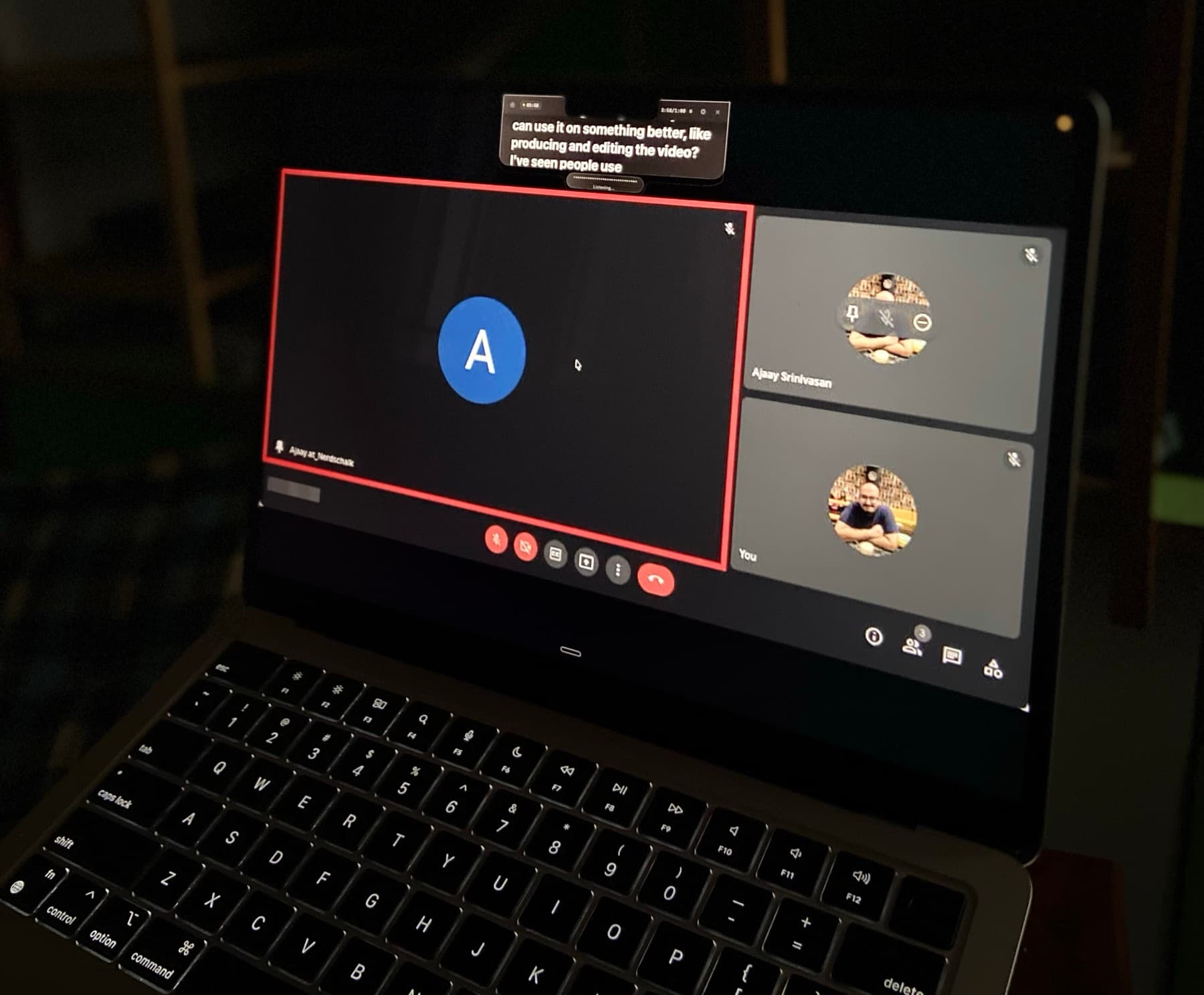
CueNotch learns your pace, listens locally, and moves the script as you speak. Pause to think and it waits with you.
How voice-synced teleprompter scrolling works on MacScript library
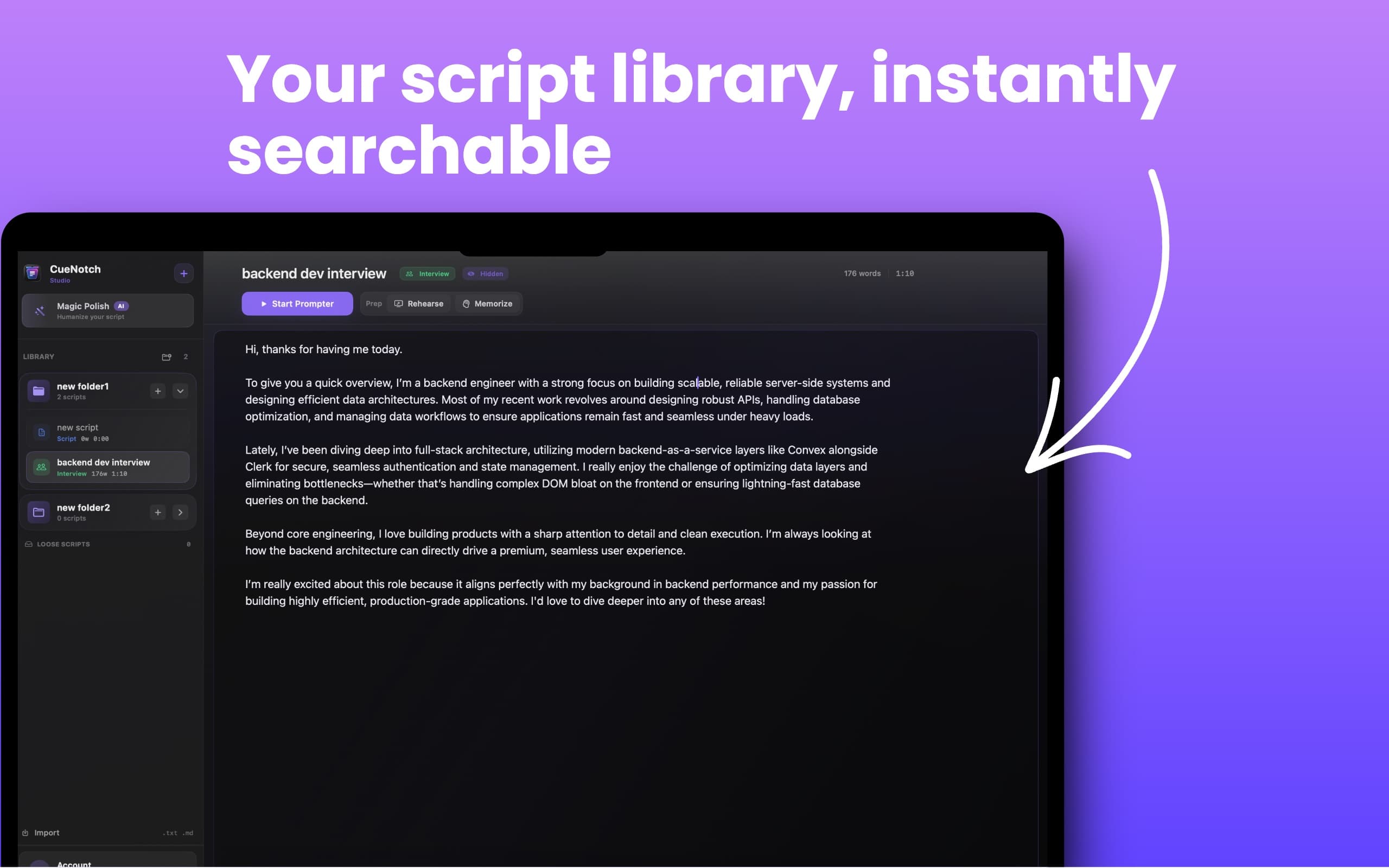
More than a prompter
Organize scripts in folders, search instantly, and launch the right one without digging through files.
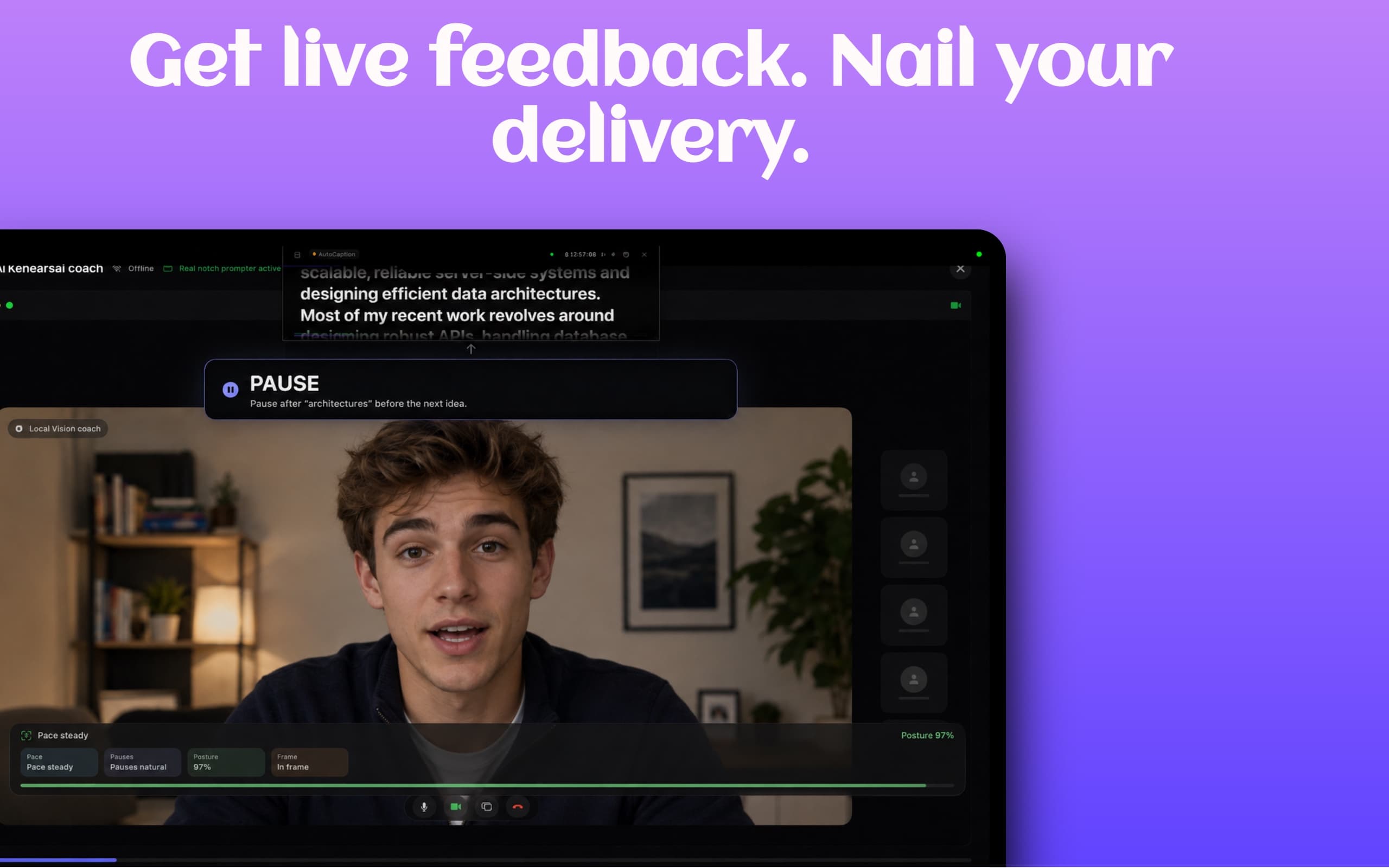
Practice with feedback for pace, pauses, posture, and framing before the call matters.
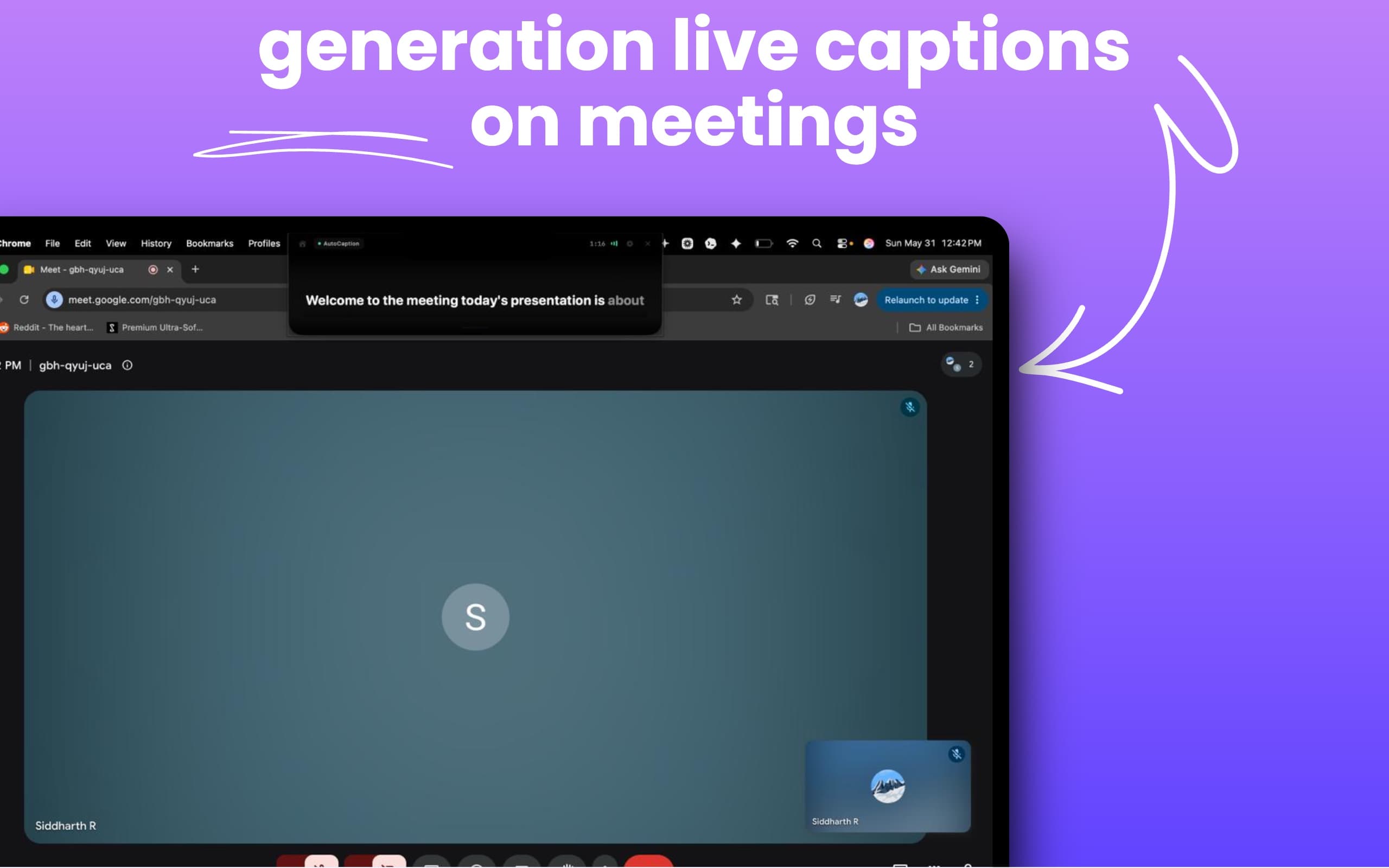
Turn spoken audio into readable live captions during meetings and presentations.
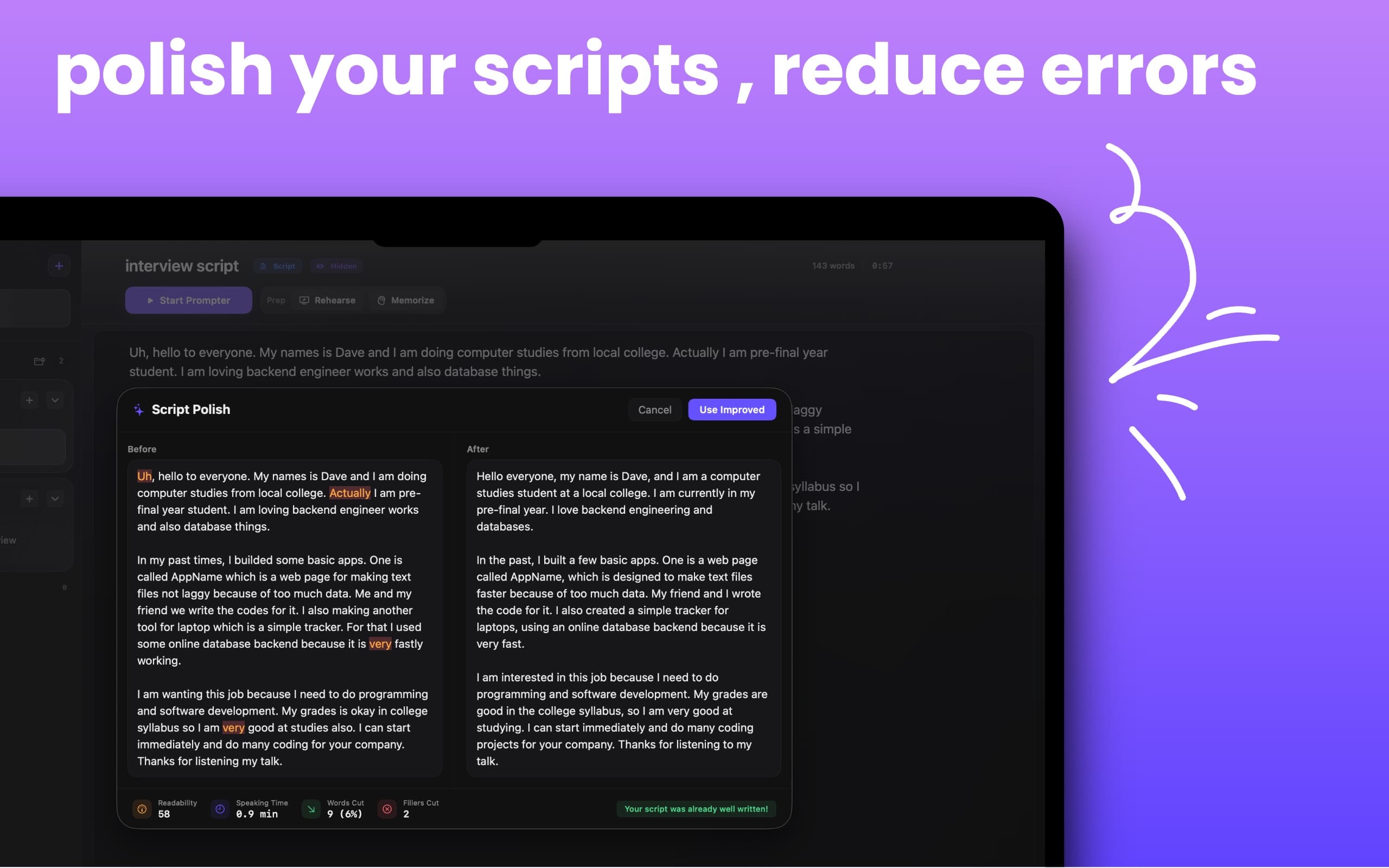
Turn rough notes into speakable scripts with cleaner flow and fewer filler words.
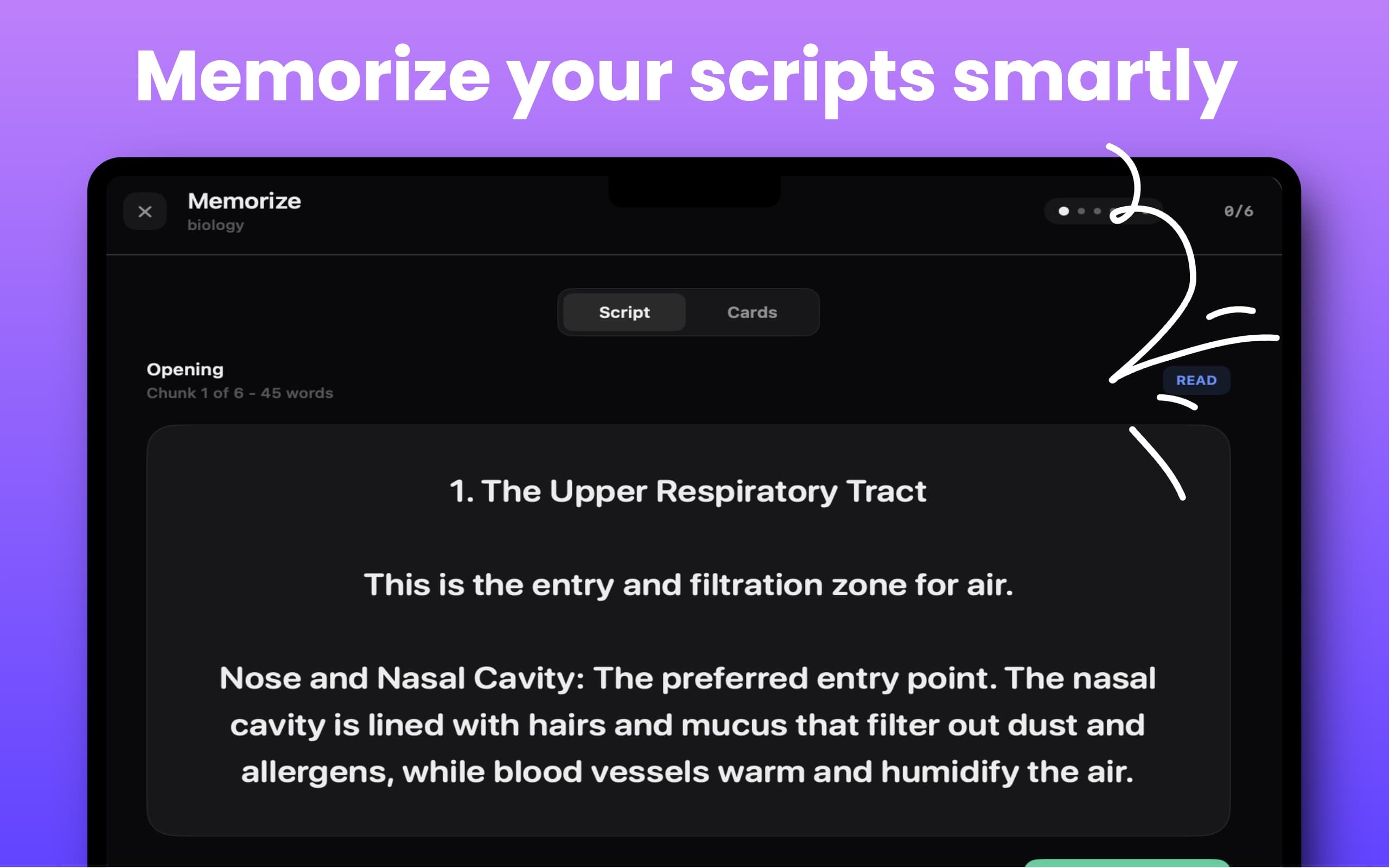
Break long scripts into chunks and practice recall step by step.
Real workflow
Watch CueNotch follow a speaker while the script stays close to the camera.
How to read notes on Zoom without looking awayFour recent App Store reviews from interviews, presentations, teaching, and content creation.
I tried lots of different teleprompter apps until I discovered this one. It is by far the most polished and feature rich one out there.
After my free trial expired, I tried three other notch teleprompters and none came close to this one.
It is honestly a game changer. The innovative features make job interviews and presentations so much smoother and less stressful.
I use it while preparing lessons and explanations, and it helps me organize my thoughts and deliver content smoothly.
Seen by Mac creators
CueNotch Pro
Try every Pro feature for 3 days, then unlock lifetime access with one App Store purchase.
CueNotch combines prompting with writing, rehearsal, captions, and recall tools in one Mac app.
| Feature | CueNotch | Moody | NotchPrompter |
|---|---|---|---|
| Private during screen sharing | ✓ | ✓ | ✓ |
| Voice-synced scrolling | ✓ | ✓ | ✓ |
| Script rewriting | ✓ | ✗ | ✗ |
| AI rehearsal feedback | ✓ | ✗ | ✗ |
| Live captions | ✓ | ✗ | ✗ |
| Memorize Mode | ✓ | ✗ | ✗ |
| Free version | ✓ | ✗ | ✓ |
| Price | $29.99one-time lifetime access | $29one time | Freeopen source |
Compared with publicly listed features and pricing in July 2026. Compare the best Mac teleprompter apps.