Why looking down costs you the call
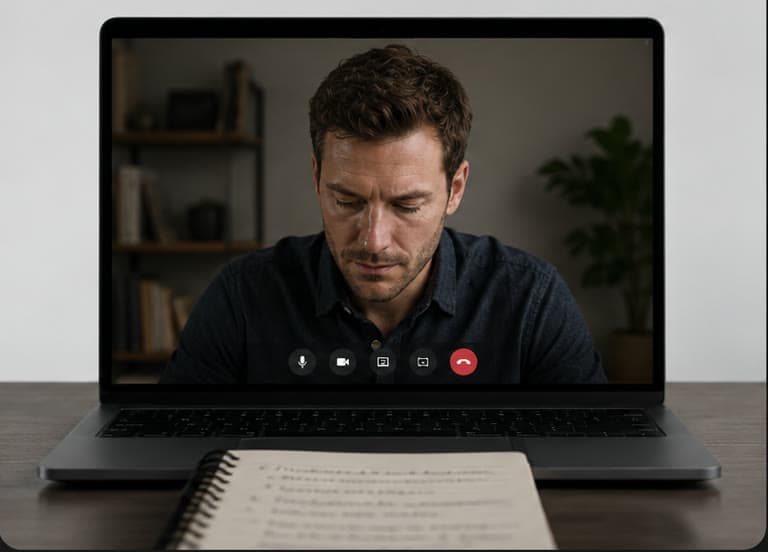
Sales video is unforgiving. Looking at their tile is not eye contact, because their face sits south of the lens. Looking at notes even further south reads as unprepared, even when you are not. Dual-monitor “notes over there” still makes your eyes play tennis. And the second you share the desktop for a product walk-through, anything sitting on that desktop can leak into the share. (Where reps put the script instead is its own field guide, and keeping eye contact on customer calls another.)
You need three things at once. Most Mac hacks give you one or two.
- 01
Cues you can read
A five-step demo path and three proof points, not a name on a sticky.
- 02
Eyes at the lens
Reading the next line and looking at the prospect have to be the same eye position.
- 03
Share stays clean
A full-desktop demo share that sends the product, and not your talking points.
Failed hacks sales reps still try
Pick a workaround. Three lights answer for it. Only one row is all green.
CRM notes on a second monitor
2/3- Pass. Cues you can readPlenty of room, until you fullscreen the demo on the laptop and the cues vanish.
- Fail. Eyes at the lensYour head turns toward the other display. They notice every time.
- Pass. Share stays cleanThe external display stays out of a window share.
Salesforce, HubSpot or a Notion run-of-show on the external display. Your head turns and they notice. You also lose the cues the moment you fullscreen the demo on the laptop.
Sticky notes on the bezel
2/3- Fail. Cues you can readA name and a number. Not a five-step demo path or three proof points.
- Pass. Eyes at the lensClose enough to the camera to pass.
- Pass. Share stays cleanPaper does not leak into a share.
Fine for a name and a number. Useless for a five-step demo path or three proof points. When the sticky runs out of space you are back in a window below the camera.
Notes.app or Stickies on the shared desktop
1/3- Pass. Cues you can readEverything fits in the window.
- Fail. Eyes at the lensThe window lives below the camera, so reading drops your gaze.
- Fail. Share stays cleanShare Entire Screen and your talking points become their talking points.
Works until you hit Share Screen and pick Entire Screen. Your talking points become their talking points. A window share fails the moment you click into the product and leave the Notes window.
PowerPoint or Keynote Presenter View
1/3- Pass. Cues you can readNotes per slide, if you share the right thing.
- Fail. Eyes at the lensPresenter View parks the words away from the lens.
- Fail. Share stays cleanShare Presenter View and they read your notes. Share only the slideshow and you lose them.
Share Presenter View and they see the notes. Share only the slideshow and you lose the notes. Portion-of-screen leaves you babysitting a green box, and still parks the words away from the lens.
Memorizing the talk track
1/3- Fail. Cues you can readAn opener, yes. Every pricing boundary across back-to-back demos, no.
- Fail. Eyes at the lensThe pause while you search your memory reads as the same downward glance.
- Pass. Share stays cleanNothing on screen to leak.
You can memorize an opener. You cannot reliably memorize every pricing boundary and proof point across back-to-back demos, and the pause while you search your own memory looks like the same downward glance.
Phone under the camera
2/3- Pass. Cues you can readIt holds the notes.
- Fail. Eyes at the lensSame geometry problem: the eyes drop below the lens.
- Pass. Share stays cleanNot on the desktop. Just a glowing rectangle in your shot.
The same geometry problem, plus a glowing rectangle in the shot. Fine for a grocery list. Not fine for a number you cannot miss.
CueNotch, beside the camera
3/3- Pass. Cues you can readBullets in the strip beside the lens, voice-synced so they keep your pace.
- Pass. Eyes at the lensReading the next proof point and looking at the prospect are the same eye position.
- Pass. Share stays cleanGhost Mode keeps the overlay out of Zoom, Meet, Teams, Loom and OBS share and recording.
A native Mac overlay that holds your talk track in the notch, or top-center next to the lens on Macs without one. Ghost Mode excludes it from capture, so a full-desktop demo share stays clean.
If the hack still puts the words below the lens, or into the share, it is not a sales-call fix.
Every hack above trades one of the three away. Cues you can read, eyes on the prospect, and a demo share that stays clean.
Keep the cues. Keep eye contact.Put the talking points beside the camera
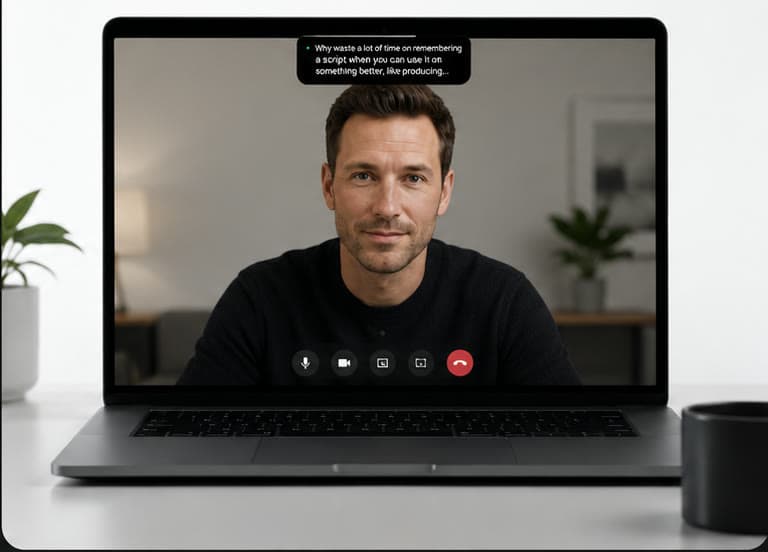
CueNotch is a native Mac app for macOS 14 and later. It holds your talk track in a compact overlay beside the camera: in the notch if your Mac has one, top-center next to the lens if it does not. Reading those bullets looks like looking at the prospect, the same geometry as looking at the camera on Zoom while you still have notes.
Ghost Mode is a Pro feature ($29.99 lifetime, with a 3-day trial that does not auto-renew). It is what makes this usable on demos. It hides the overlay from Zoom, Google Meet, Microsoft Teams, Loom and OBS share and recording, so your cues stay on your screen when you share the product. That is the sales-critical case: a prospect screen-share, not a studio recording. Details in Ghost Mode, invisible notes during screen sharing.

What changed that made this a priority now?
Who else feels this pain day to day?
What does a win look like by end of quarter?
Budget owner: propose the next step.
What changed that made this a priority now?
Who else feels this pain day to day?
What does a win look like by end of quarter?
Budget owner: propose the next step.
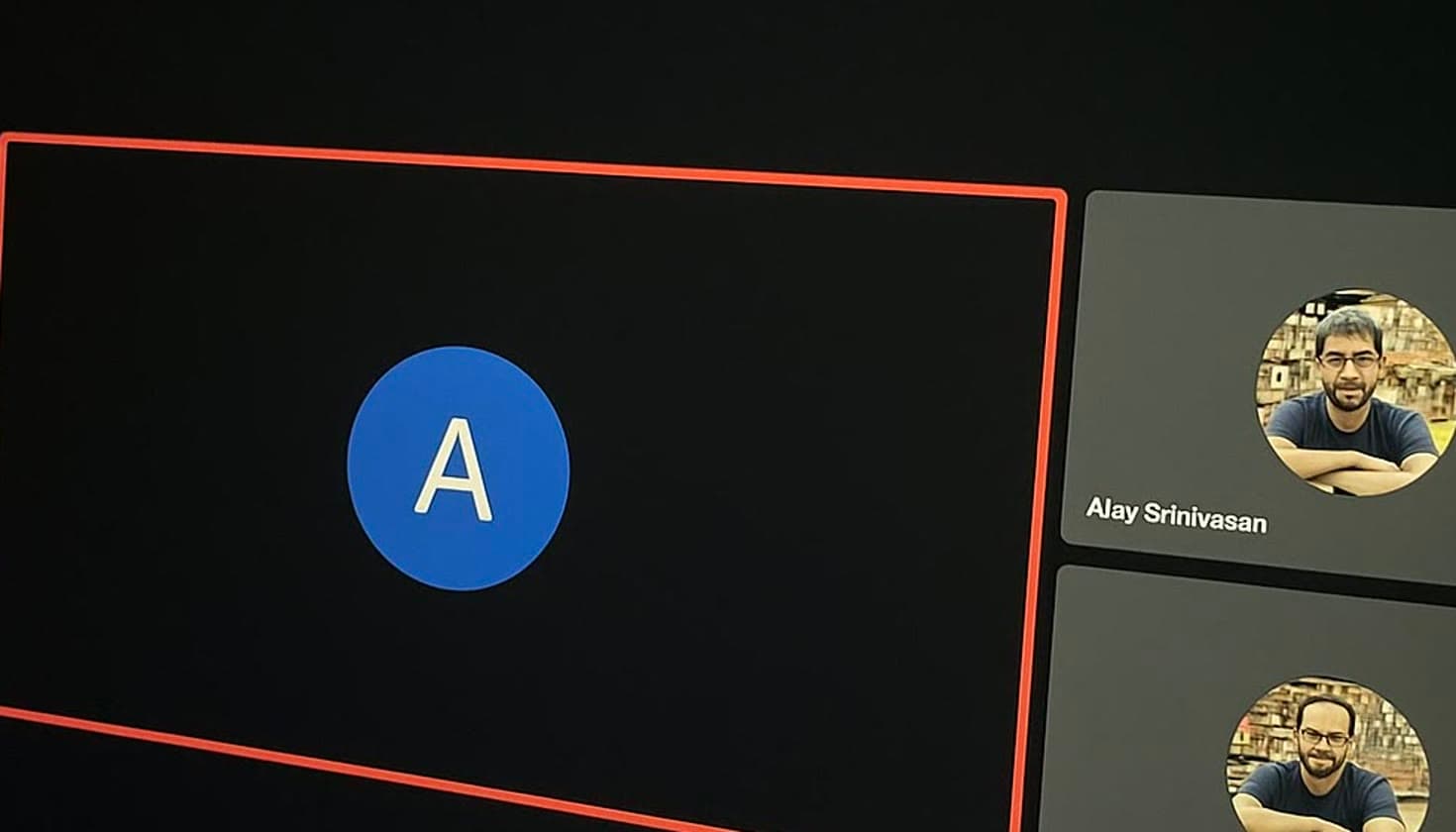
Ghost Mode on. This panel is excluded from capture.
Voice-synced scrolling runs on-device. Talk and the bullets follow. Pause, or let the prospect talk, and they wait. The hotkey is Cmd+Shift+Space, and the product page for this workflow is CueNotch for Zoom.


What belongs in the cues, and what does not
Put in
- Discovery
- Questions in priority order, company-specific notes, qualifying criteria, next-step options.
- Demo
- Feature walk order mapped to their pain, proof points, competitor differentiators you already decided, pricing tiers and what is included.
- Objection cues you wrote
- Your top responses, a customer story per common pushback, pricing justification bullets, time-to-value lines. Your lines, rehearsed if you want with AI rehearsal, not a model whispering mid-call.
Leave out
- A novel-length script.
- Anything you would be embarrassed to leak if Ghost Mode were off.
- A dependency on live coaching that invents objection handling you have never practised.
Also in the app when you want them, for the prep rather than the call itself:
- Magic Polish
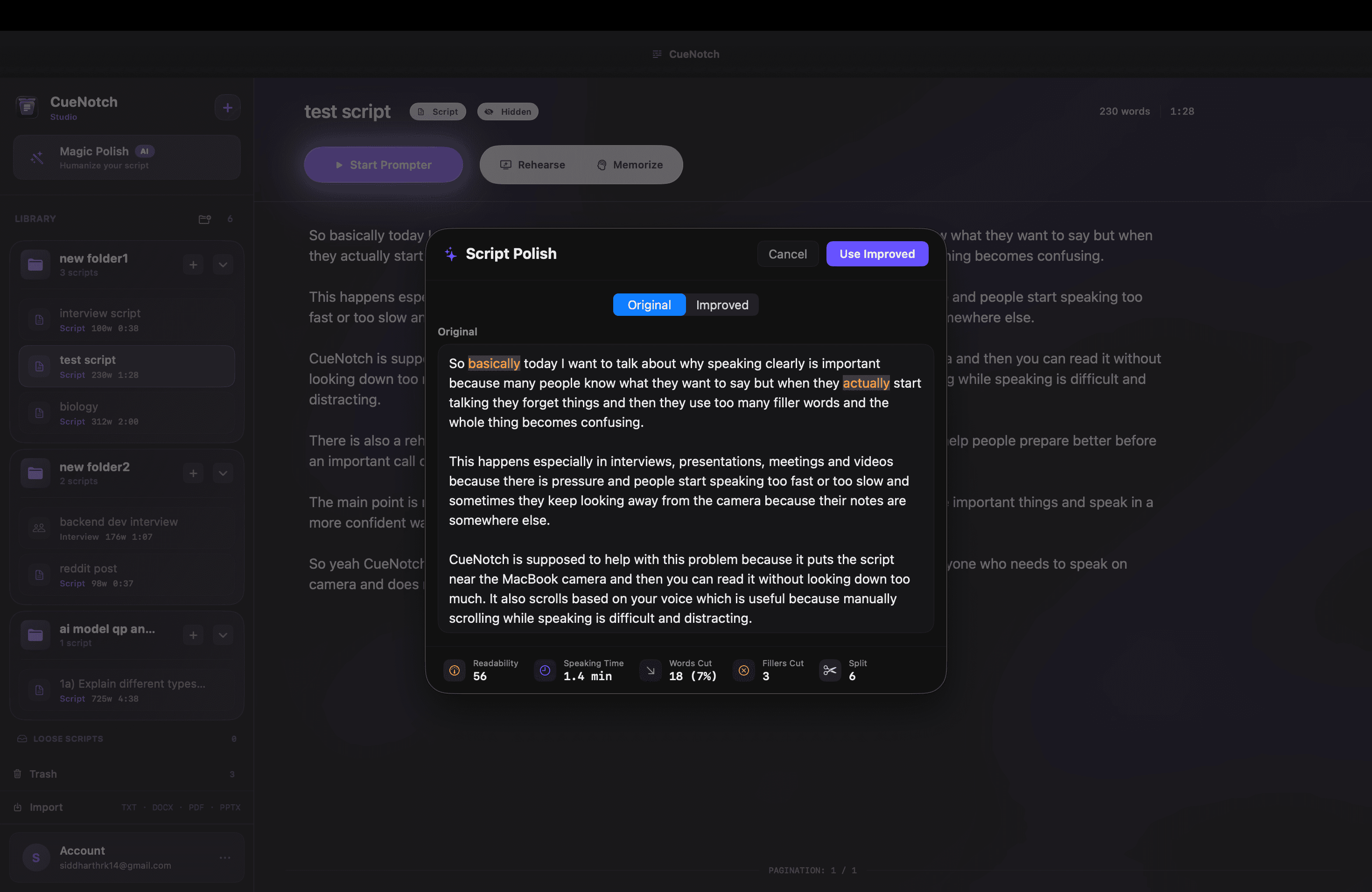
Tightens a dense draft into bullets you can read at a glance.
- AI rehearsal
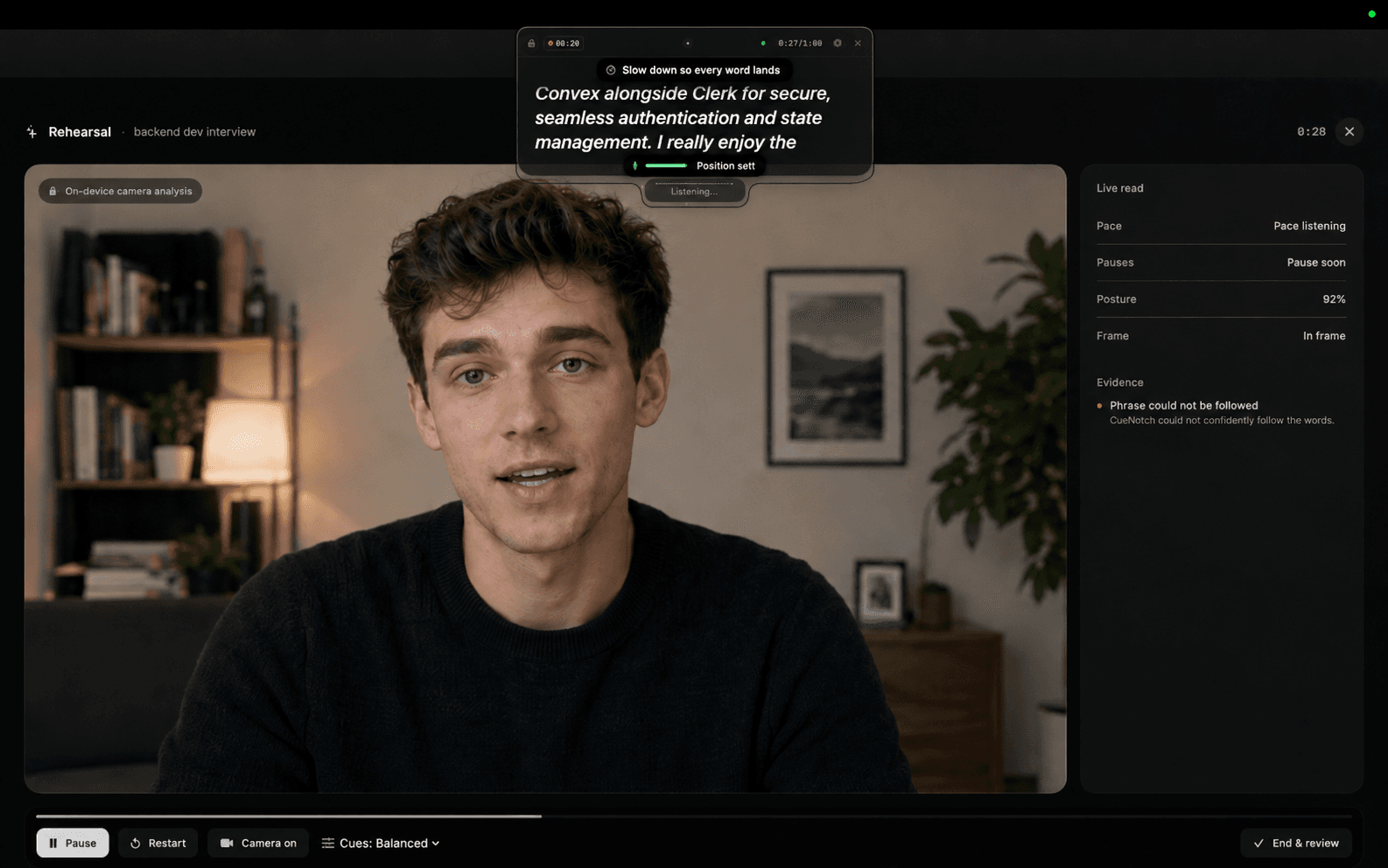
Run the objection cues out loud before the call, not during it.
- Memorize Mode
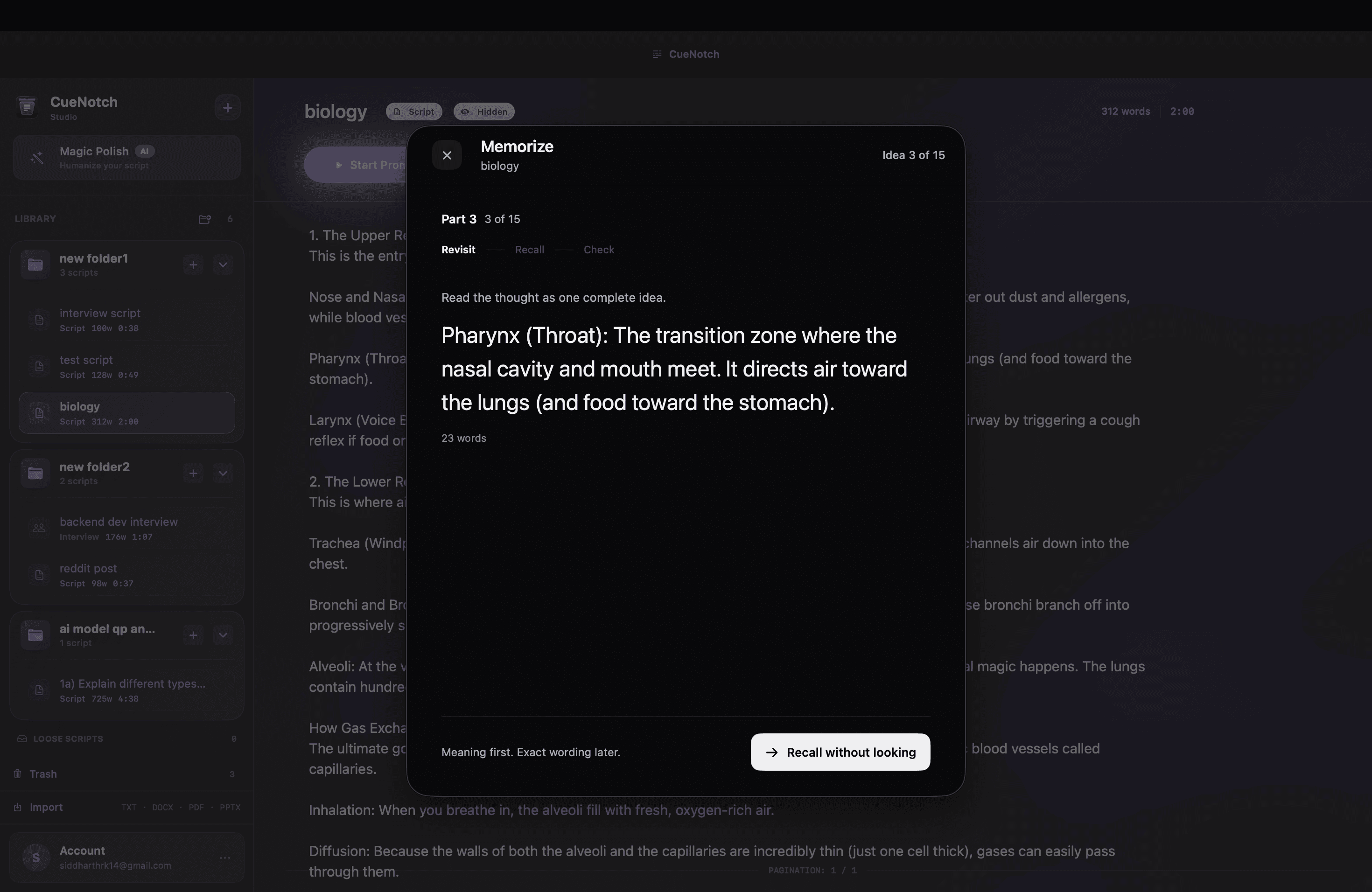
For the opener and the two numbers you must never miss.
- Script library
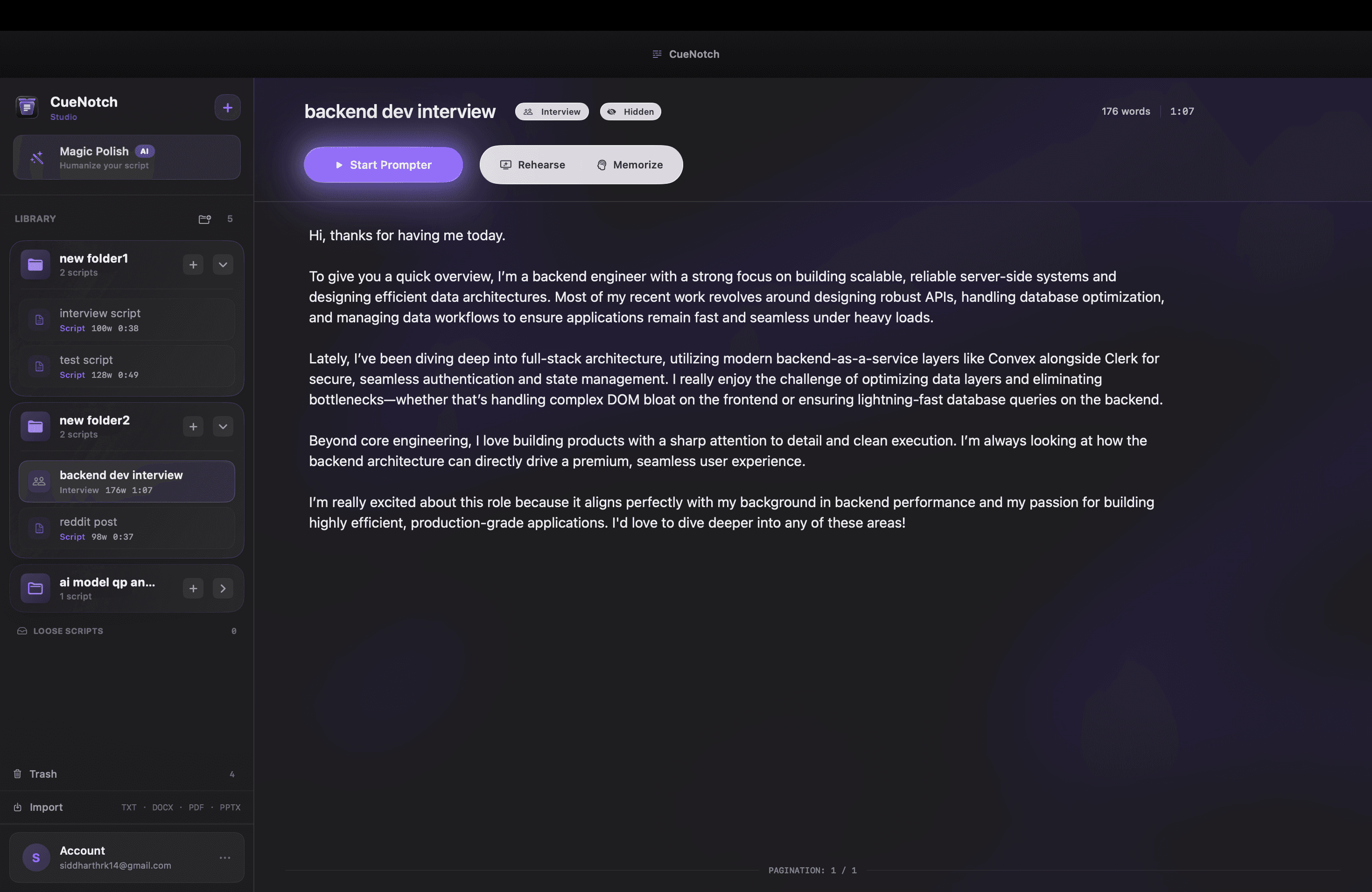
Discovery and demo templates, one per segment or persona.
How CueNotch compares to Notchie, NotchPrompt and VODIUM
Google's answers in this space already name other apps. Here is an honest side-by-side for the sales job: talking points beside the camera plus share-safe demos. Verify current pricing and capture behaviour on each vendor's site and with your own Zoom build.
| Capability | CueNotch | Notchie | NotchPrompt / NotchPrompter | VODIUM |
|---|---|---|---|---|
| Platform | Mac-native, macOS 14+, App Store | Mac, macOS 14.6+ (App Store) | Free / open-source Mac notch prompters | Windows 10+ and macOS 11+ (check current site) |
| Placement | Beside camera or notch; works without a notch | Notch or camera-adjacent overlay | Notch or floating; varies by project | Camera-adjacent floating overlay |
| Screen-share privacy | Ghost Mode: excluded from Zoom, Meet, Teams, Loom, OBS share and recording | Claims invisible during supported screen share | Capture privacy claimed; verify with your Zoom version | Public docs: share a specific window rather than the desktop, which is not capture exclusion |
| Scrolling | Voice-synced, on-device | Voice-synced (public positioning) | Voice activation common on NotchPrompter; confirm per project | Auto-scroll and manual; check current site |
| Sales prep extras | Magic Polish, AI rehearsal, Memorize Mode, script library | Minimal editor and notes focus | Minimal open-source feature set | Script management; coaching add-ons on some plans |
| Pricing | Free tier (3/day, 100-word scripts); $29.99 lifetime or $7.99/week | About $29.99 one-time (public listing) | Free, open-source; App Store builds may differ | Subscription commonly listed around $15/mo — check current site |
When to pick what. Notchie if you want a simple paid Mac notch overlay. NotchPrompt or NotchPrompter if free and open-source matters most, and you re-check share privacy on your own stack. VODIUM if you need a cross-platform overlay and can live with window-share discipline. CueNotch if you want Mac-native cues beside the camera, Ghost Mode for full-desktop demos, voice-sync, and a prep workflow with a free tier and a $29.99 lifetime option.
A late note on naming: people often search this job as a “teleprompter for sales calls.” The product that fits is the same either way: notes beside the camera that do not ride along in the share.
Frequently asked questions
- Will this make me sound scripted?
- Not if the cues are bullets. Write prompts, not a speech, and let your voice fill the gaps. Voice-sync follows your pace, so you can pause and answer their question before the next bullet. Robotic delivery comes from reading paragraphs, not from having proof points next to the lens.
- Can the prospect see it when I share?
- With Ghost Mode on, CueNotch is built to stay out of Zoom, Meet, Teams, Loom and OBS share and recording. Still do the share-preview check every time you demo, especially after a Zoom update. If Ghost Mode is off and you share the entire desktop, treat the overlay like any other on-screen window.
- Does it work without a notch?
- Yes. On Macs without a notch the overlay sits top-center next to the camera, so reading still keeps your gaze at the lens.
- Is this live objection coaching?
- No. CueNotch shows cues you wrote. It does not listen to the prospect and invent rebuttals. That is intentional: what you say on a high-stakes deal should be lines you own.
Try it on the next demo
Three activations a day and 100-word scripts are enough to test one discovery call. The 3-day Pro trial covers the demo. When you want Ghost Mode, longer scripts and the prep tools, Pro is $29.99 lifetime.
Get CueNotch free on the Mac App Store- macOS 14+
- Free: 3 activations a day, 100-word scripts
- $29.99 lifetime or $7.99 per week
- 3-day Pro trial does not auto-renew