Teleprompter Pro Alternative for Mac: What Changes?
Reviewed June 21, 2026 · By Siddharth Radhakrishnan, CueNotch co-founder
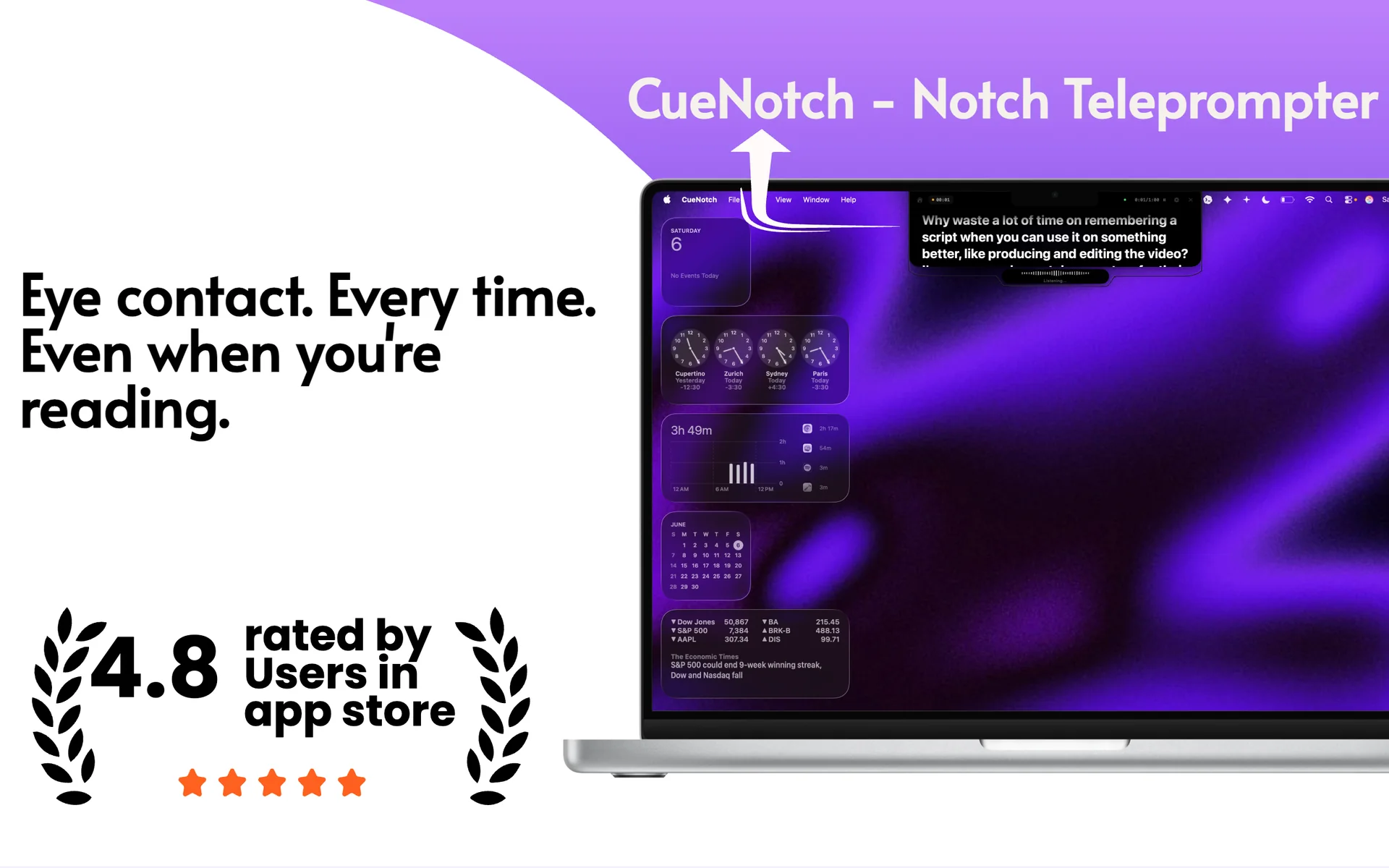
Teleprompter Pro is a broad teleprompter system with script import, mirroring, remote controls, recording workflows, and Mac window modes. CueNotch is narrower by design: it focuses on reading beside the Mac camera during calls, presentations, and recordings.
Short answer
Choose Teleprompter Pro for traditional production features, mirrored rigs, imports, and remote control. Choose CueNotch for a compact camera-level Mac workflow with voice sync and screen-capture privacy.
Feature comparison
| What matters | Teleprompter Pro | CueNotch |
|---|---|---|
| Primary workflow | Traditional and production teleprompting | Mac calls, demos, presentations, and recordings |
| Mac window | Transparent, floating, and duplicate windows | Notch and compact camera-level overlay |
| External equipment | Mirroring and remote-control workflows | No teleprompter glass or remote required |
| Voice pacing | Feature availability depends on product/version | Voice-synced scrolling built into the Mac workflow |
| Screen capture | Transparent/floating window | Ghost Mode excludes the overlay from capture |
Competitor details were checked against Teleprompter Pro's official Mac guide. Product features can change, so verify details before purchasing.
Where Teleprompter Pro is stronger
- It supports more traditional teleprompter and studio configurations.
- Document import, mirroring, and remote-control options suit production teams.
- Its cross-device ecosystem is useful for existing Teleprompter Pro users.
Where CueNotch is different
- The reading area is intentionally positioned beside the Mac webcam.
- Voice sync and Ghost Mode are designed around live Mac calls.
- Script polish, rehearsal, captions, memorization, and organization live in one workflow.
Which should you choose?
Teleprompter Pro is the stronger choice for a conventional teleprompter rig or multi-device production. CueNotch is the more focused choice when the Mac itself is the camera, screen, and presentation workstation.
Frequently asked questions
- When is Teleprompter Pro a better fit than CueNotch?
- When you need a traditional production rig: mirrored glass, remotes, imports, and multi-device windows. CueNotch is narrower: camera-level notes on the Mac you already have.
- Does Teleprompter Pro sit beside the Mac camera like a notch teleprompter?
- Its Mac modes are transparent, floating, and duplicate windows. CueNotch is built as a notch or top-centre overlay next to the webcam, which is the geometry that keeps eye contact.
Compare with your own script
CueNotch is free to try on macOS 14 or later. Test camera placement, voice sync, and screen sharing before deciding.
Try CueNotch on the Mac App Store