Your screen is the wrong shape for notes
Lead a live training session or an investor pitch and your display turns into contested ground. Slides take the centre. Notes get pushed to whatever edge is left. Every glance at that edge is a head turn, and a head turn is the thing your audience reads as uncertainty.
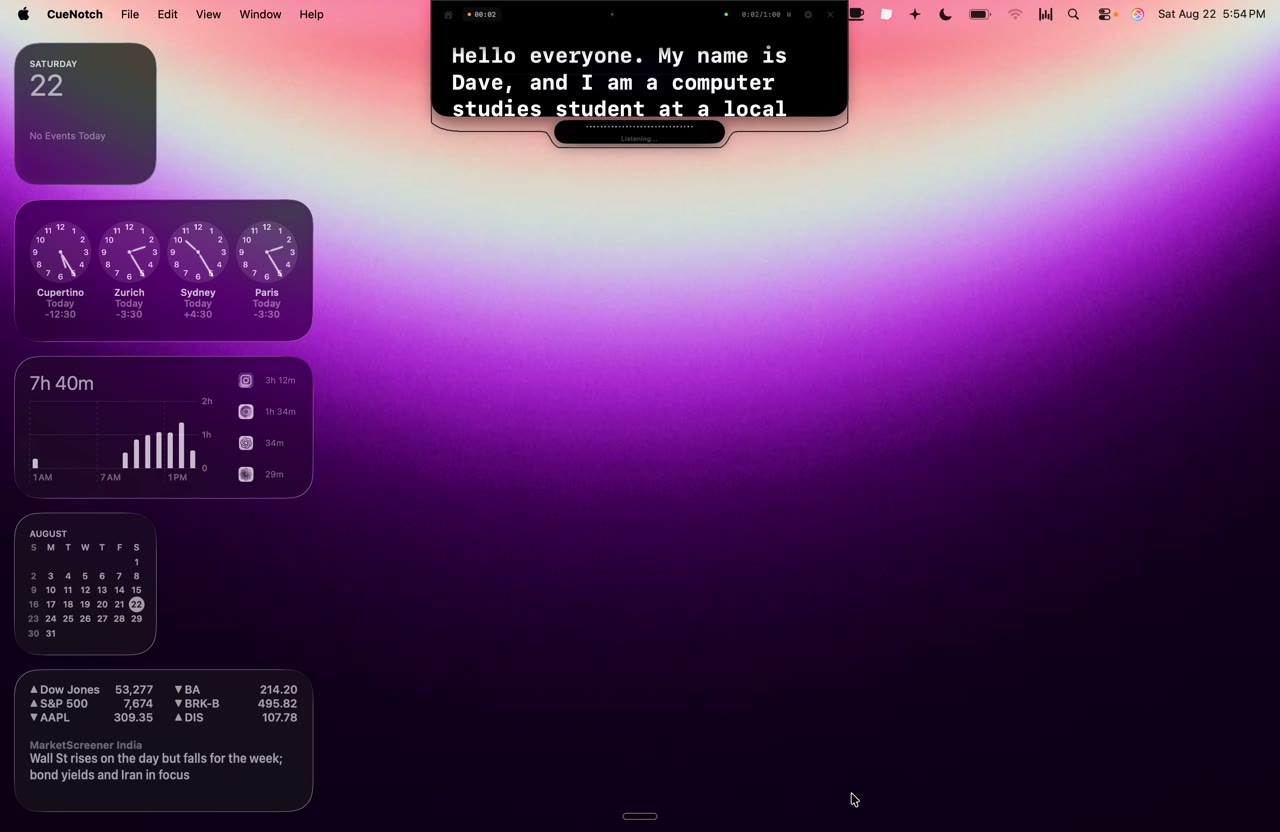
Floating window apps make you choose between seeing your audience and seeing your script. You end up dragging panels around the desktop, and you find out halfway through a pitch that your notes are covering the button you need. A native MacBook notch teleprompter avoids the fight by using the strip of screen that already houses the camera. The text gets a permanent home a few millimetres from the lens, and the rest of your display goes back to being yours.
That is the whole mechanic. Your eyes stop travelling, so the room stops noticing that they were.
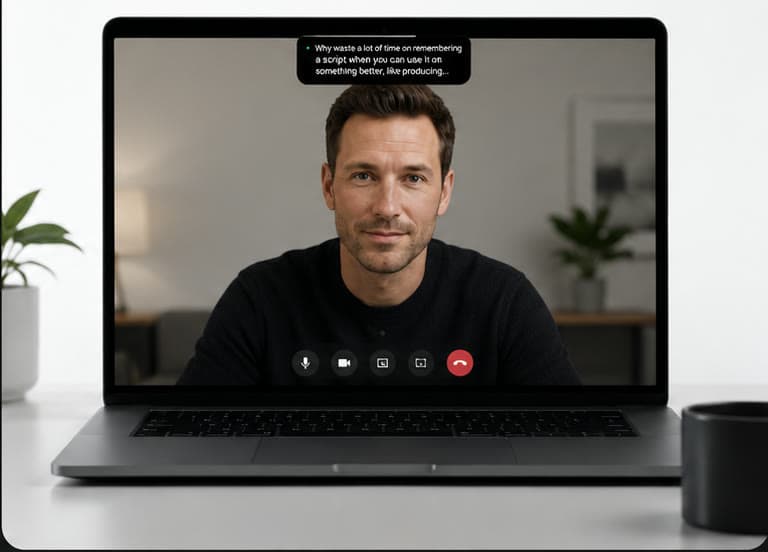
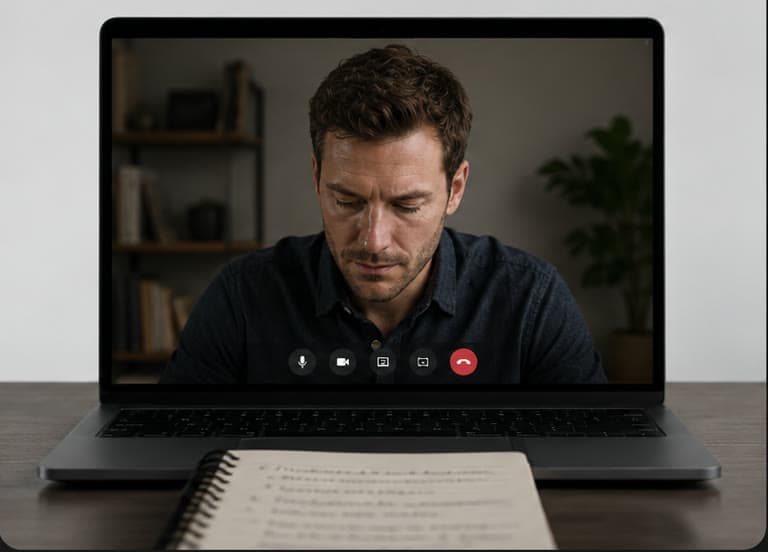
Nobody in the room sees your script. They see you go looking for it.
A script that waits for you
Set a prompter to 150 words a minute and you have agreed to speak at 150 words a minute for the rest of the session. Pause on a number, take a question, add the story that just occurred to you, and the text carries on without you. Now you are reading to catch up, which is audible.
Voice-synced scrolling inverts that. The script advances because you spoke, not because time passed, so silence costs nothing. This is what makes prompting workable for presenting over a Zoom share and for a sales call where the other person talks back. The prompter waits, you answer, and your next line is still sitting where you left it.
What your audience should never see
The worst version of this goes: you share your screen to show a deck, and your private notes arrive with it. Everyone reads your reminder to slow down. The meeting continues, but you have lost the room.
A native macOS app can exclude its own window from screen capture, which is what CueNotch calls Ghost Mode. Your script stays on your display and never enters the feed that Zoom, Teams or Google Meet sends out. Treat that as a requirement rather than a feature. The alternative is sharing a single window and losing the ability to move between documents, which is friction you will feel in the middle of every session.
Writing for the ear, not the page
Paste a research document into a prompter and you will sound like someone reading a research document. Written English and spoken English are different languages, and the gap shows up in your delivery long before it shows up in your text.
An AI teleprompter for Mac closes that gap on the first pass. Take a dense paragraph about your product and ask for a thirty-second version aimed at one buyer. Ask for shorter sentences so you have room to breathe, or for the jargon to come out. Then go back in and add the specific example, the regional turn of phrase, the client name. Editing something already written in a spoken cadence is far quicker than cutting a formal report down live.
So basically today I want to talk about why speaking clearly is important because many people know what they want to say but when they actually start talking they forget things and then they use too many filler words and the whole thing becomes confusing.
- Words
- 230212
- Fillers
- 30
- Readability
- 56
- Speaking time
- 1.4 min
- Words cut
- 18
What the alternatives give you
The Mac category splits cleanly. QPrompt is free and open source, cross-platform, and generous with settings if you enjoy configuring things. Moody is a focused notch prompter at $39 one time, covering camera-level display, voice activation and screen-share privacy well without extending into script preparation. Its public product page does not clearly describe trial availability, so check the purchase flow if that matters to you.
CueNotch sits at $7.99 a week or $29.99 for lifetime access in the U.S. App Store, with a free tier that stays free. What the extra buys is the preparation workflow around the prompter rather than the prompter alone. The free teleprompter options for Mac are worth reading before you spend anything, and the same reasoning applies to recorded video and course content.
A run-through that takes five minutes
Do this once before anything that matters. The order is the point: each step depends on the one above it.
Write phrases, not sentences
Short prompts keep your delivery live. Full paragraphs invite you to read them, and reading sounds like reading.
Size the type for two feet away
If you are squinting, your eyes are working and your face shows it. Set it larger than feels necessary.
Test voice scrolling in the actual room
A kitchen table and a hard-walled office sound nothing alike. Check that it picks you up where you will really be sitting.
Share your screen with one person first
Ask them what they can see. You are checking for your wallpaper, not your script.
Put the text as close to the lens as it goes
Every centimetre you save is eye contact you keep. In a notch-based app that distance is already close to zero.
Losing a room is a quiet thing, and you rarely get it back.
Buying once versus renting forever
A student on a budget should start free. Someone whose income depends on a pitch, or who runs client calls by the dozen, is making a different calculation. A one-time purchase removes the recurring charge and the recurring decision about whether to keep paying it.
What you want from this category is a tool that lives in the menu bar, opens when you press the shortcut and disappears when the call ends. Reliability beats a feature list you will never open. Spend the time you save on the message instead of the software, and let the delivery take care of itself.
Frequently asked questions
- Can I use a Mac teleprompter without my audience seeing it?
- Yes, if the app can exclude its own window from macOS screen capture. CueNotch calls this Ghost Mode, and it keeps the prompter out of Zoom, Teams, Meet, Loom and QuickTime while you share the rest of your screen.
- Does a teleprompter work for live teaching as well as pitching?
- The mechanics are the same in both rooms. A lesson needs recall prompts and a running order; a pitch needs exact figures and a close. Both fail the moment your eyes drop away from the camera, which is the thing camera-level prompting fixes.
- Is a paid Mac teleprompter worth it over a free one?
- If you present occasionally, a free tool is a reasonable place to start. If a month contains dozens of client calls or lessons, a one-time purchase removes the risk of a tool failing mid-session and costs less over a year than most monthly subscriptions.